Connection Pool Sizing: Why More Isn’t Always Better

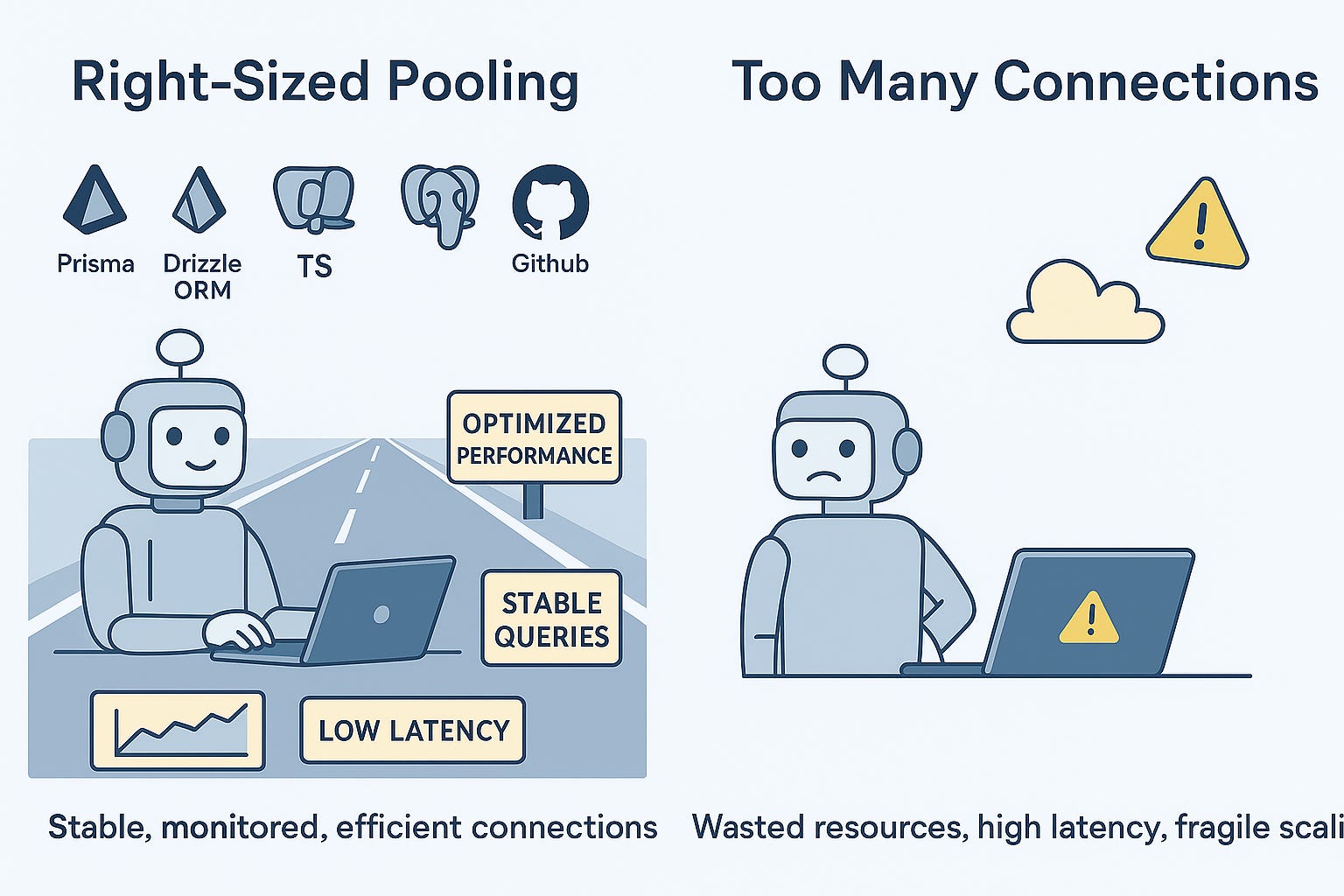
When your app starts feeling slow, one of the first things you might think is to increase your database connection pool size. It seems like more connections should help handle more traffic. But that’s not always the case. In fact, having too many connections can hurt performance or even crash your database.
In this Blog, we’ll cover what connection pooling is, how to size your pool correctly, and how to manage it using modern ORMs like Prisma and Drizzle in TypeScript projects.
What Is a Connection Pool?
A connection pool is a group of database connections that your app keeps open and reuses. Instead of opening a new connection for every request, it reuses one from the pool.
This saves time and resources, especially under high traffic.
Why More Connections Can Be a Problem
Here’s what happens when your pool size is too large:
Your database has to manage too many connections at once
Memory usage increases on both the database and application
Too many idle or waiting connections can lead to timeouts or crashes
Cloud databases often have strict connection limits that are easy to exceed
So more isn’t always better. It’s about finding the right number.
Using Prisma with Connection Pools
Prisma uses a query engine written in Rust and manages connection pools internally when using a long-running Node.js process (like in a web server). You configure pooling through the DATABASE_URL in the .env file.
Basic setup with a connection pool:
# .env
DATABASE_URL=”postgresql://user:password@localhost:5432/mydb?connection_limit=10”
Using it in your app:
// db.ts
import { PrismaClient } from ‘@prisma/client’;

const prisma = new PrismaClient();

export default prisma;
Things to watch:
connection_limitcontrols the pool sizeKeep it between 5 and 10 unless you know you need more
Don’t use Prisma in serverless functions unless you manage the connections carefully
For serverless (like Vercel or AWS Lambda):
Prisma recommends using the Data Proxy or edge-friendly drivers to avoid exhausting connection limits. Otherwise, each function call may create a new pool.
Using Drizzle ORM with a Connection Pool
Drizzle is lightweight and gives you more control over your database client. It works well with pg, mysql2, and better-sqlite3.
To use pooling, you configure it with your chosen driver. Here’s an example using PostgreSQL with the pg driver:
// db.ts
import { drizzle } from ‘drizzle-orm/node-postgres’;
import { Pool } from ‘pg’;

const pool = new Pool({
  connectionString: ‘postgresql://user:password@localhost:5432/mydb’,
  max: 10, // Max number of connections in pool
  idleTimeoutMillis: 30000,
  connectionTimeoutMillis: 2000,
});

export const db = drizzle(pool);
This gives you full control over how the pool behaves. You can monitor usage and log pool stats if needed:
console.log(`Total connections: ${pool.totalCount}`);
console.log(`Idle connections: ${pool.idleCount}`);
console.log(`Waiting clients: ${pool.waitingCount}`);
How to Estimate the Right Pool Size
Here’s a simple formula:
Pool Size = (Concurrent Requests × Avg DB Time per Request) / Target Response TimeIf you handle 20 requests at once, and each request takes about 50 ms on average to hit the database, and you want responses under 200 ms:
Pool Size = (20 × 0.05) / 0.2 = 5
This is just a starting point. You’ll need to adjust based on real traffic and performance data.
Tips for Managing Pool Size
Start with 5 to 10 connections per app instance
Monitor query duration and connection wait time
If wait times are high and CPU usage is low, you may need a larger pool
If the database CPU or memory is maxed out, reduce the pool or optimize queries
For Cloud Databases
Cloud databases like AWS RDS or Google Cloud SQL often have connection limits based on instance size. It’s easy to hit those limits when you run multiple app instances or serverless functions.
Solutions:
Use a shared connection pool if possible
Use PgBouncer in transaction pooling mode
Use Prisma Data Proxy or serverless-friendly clients
Keep track of connection metrics using monitoring tools like CloudWatch or Grafana
Key Takeaways
Connection pools improve performance by reusing DB connections
Too many connections can overload your database
Start small and scale based on real-world data
Use Prisma or Drizzle to manage pools in modern TypeScript apps
Be especially careful with connection limits in cloud environments
A balanced connection pool keeps your app fast and your database healthy.